
 Join our Discord
WNT HELICAM
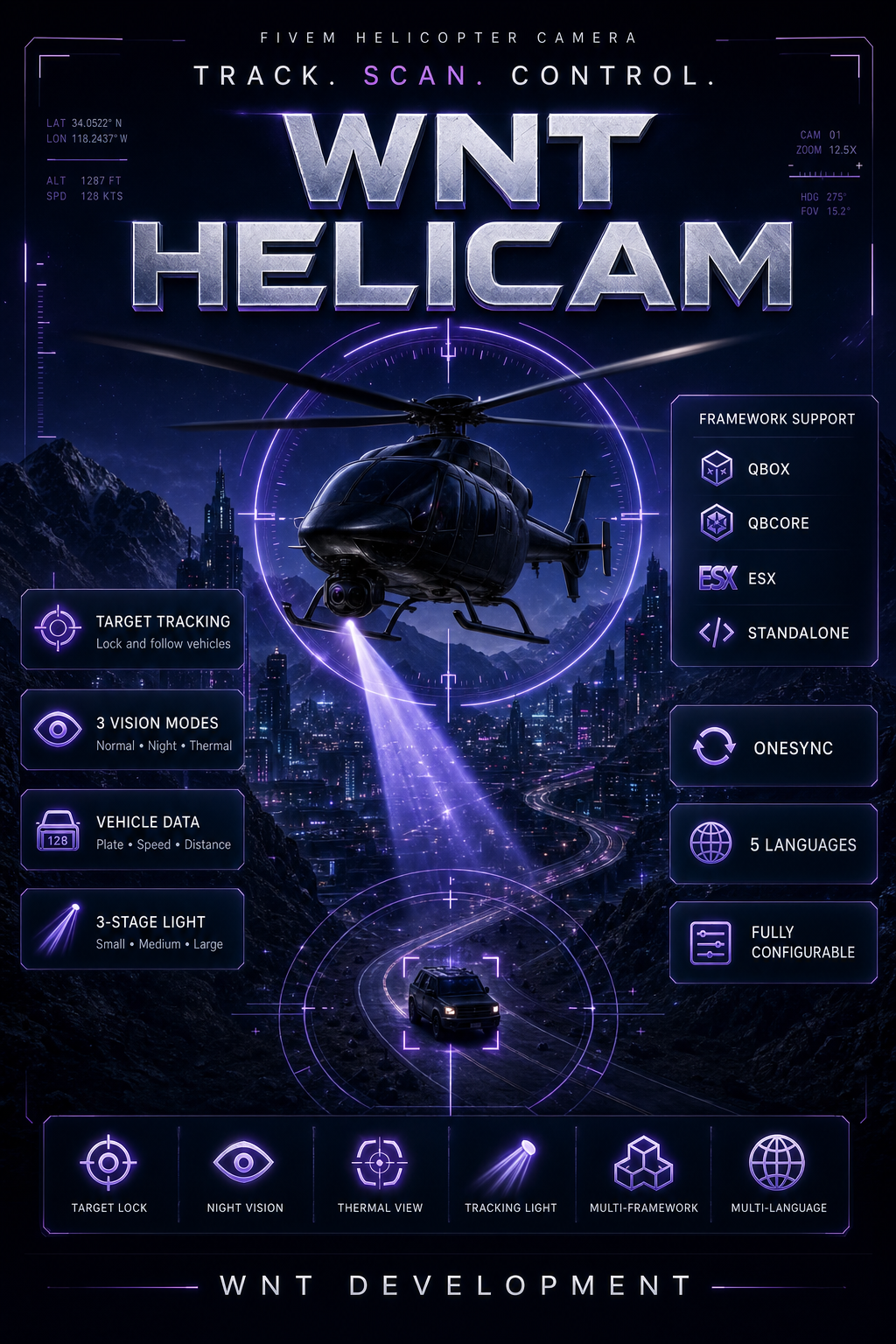
A professional, configurable, and multi-framework helicopter camera system for FiveM.
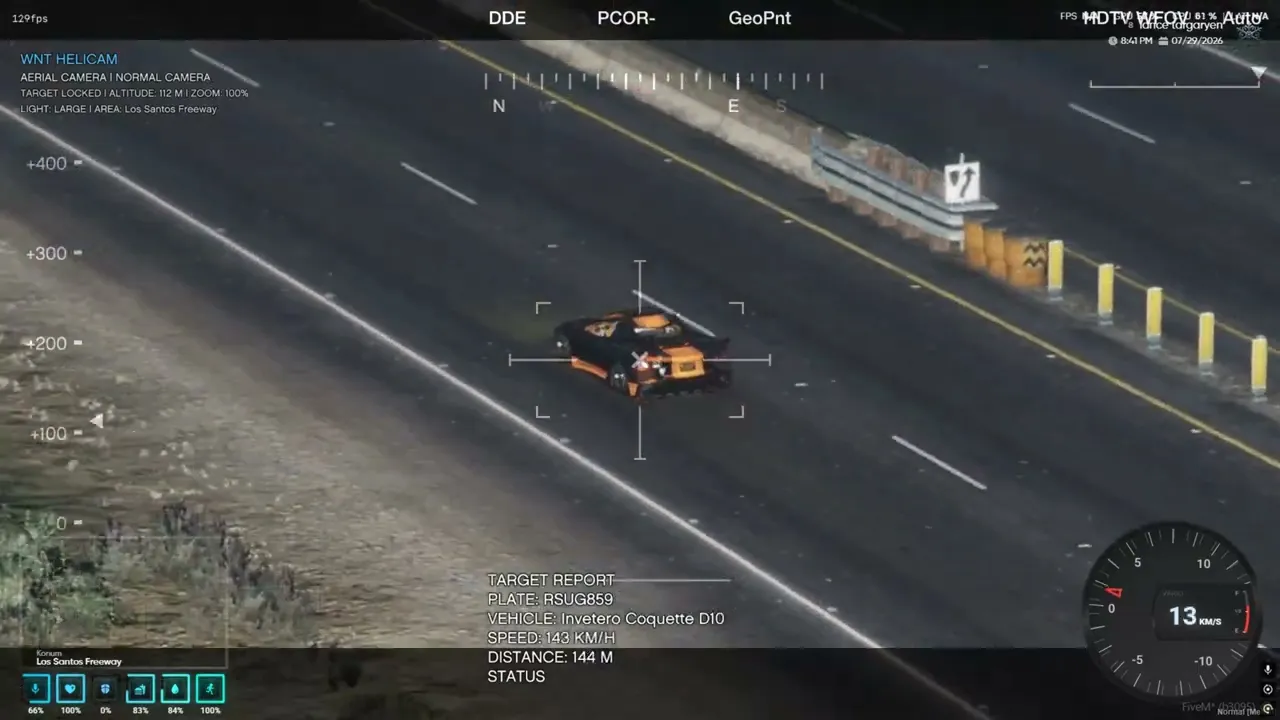
WNT Helicam improves aerial operations with advanced target tracking, three camera modes, vehicle information, and a synchronized multi-stage tracking light.
Features
-
Qbox, QBCore, ESX, and Standalone support
-
Automatic framework detection
-
Normal, night vision, and thermal camera modes
-
Vehicle target locking and automatic tracking
-
Plate, model, speed, distance, and status information
-
Detailed, compact, or disabled target information display
-
Altitude, zoom level, and area information
-
Configurable camera movement and zoom sensitivity
-
Unlimited configurable helicopter models
-
Custom vehicle display-name overrides
-
Optional job, minimum grade, and on-duty restrictions
-
ACE permission support
-
Clean interface without unnecessary notification clutter
-
Configurable WNT Helicam HUD position
-
Fully configurable controls
-
OneSync-synchronized tracking light
Advanced Tracking Light
Press M to cycle through four states:
- Small light
- Medium light
- Large light
When a vehicle is locked, the light automatically follows the target. Without a locked target, the light follows the camera direction.
The light color, brightness, width, range, position, and all three stages can be customized through the configuration file.
Language Support
-
English — Default
-
Spanish
-
German
-
Turkish
-
French
All language files are editable, and additional languages can easily be added.
Default Controls
Key
Action
E
Open or close the camera
Right mouse button
Cycle camera vision modes
Mouse wheel
Zoom in or out
Mouse movement
Rotate the camera
Space
Lock or release the viewed vehicle
Q
Cycle the target information display
M
Cycle tracking light stages
The camera can also be activated using:
/wnthelicam
Compatibility
-
Qbox
-
QBCore
-
ESX
-
Standalone
-
OneSync
No framework is required. The active framework can be detected automatically or selected manually through the configuration file.
Configurable Settings
-
Framework and language selection
-
Supported helicopter models
-
Camera position and minimum activation height
-
Field of view and zoom settings
-
Maximum target tracking distance
-
HUD position
-
Notification system
-
Job, grade, duty, and ACE permissions
-
Light color, size, brightness, and range
-
Control keys
-
Command name
-
Vehicle display names
Package Contents
-
Detailed
README.md -
Editable
config.lua -
Editable language files
-
Cfx.re Asset Escrow-protected client and server files
-
Installation and configuration documentation
Support
For purchase support and future updates, join the WNT Discord server:
VIDEO = https://youtu.be/ZQoVeiObUvA?si=J27vK-kj3C1ILCkf
WNT Development